I decided to wipe out my backup HDD in favor of switching to a better filesystem. I knew that it was going to be quite a pain to back up all the files I previously had, so I decided to take a simpler approach: just focus on the folders that matter. That turned out to be less than I thought, as, to be honest, I am continuously backing up my devices to the cloud through other services, meaning not everything needs critical attention.
The real reasoning for moving to btrfs is simple: Snapshots. They are very cheap, and it doesn’t hurt to maintain a script to cycle through a range of dates. For example, take this case:
- As a user I want to create a backup of a game before updating the binaries in case the game becomes broken.
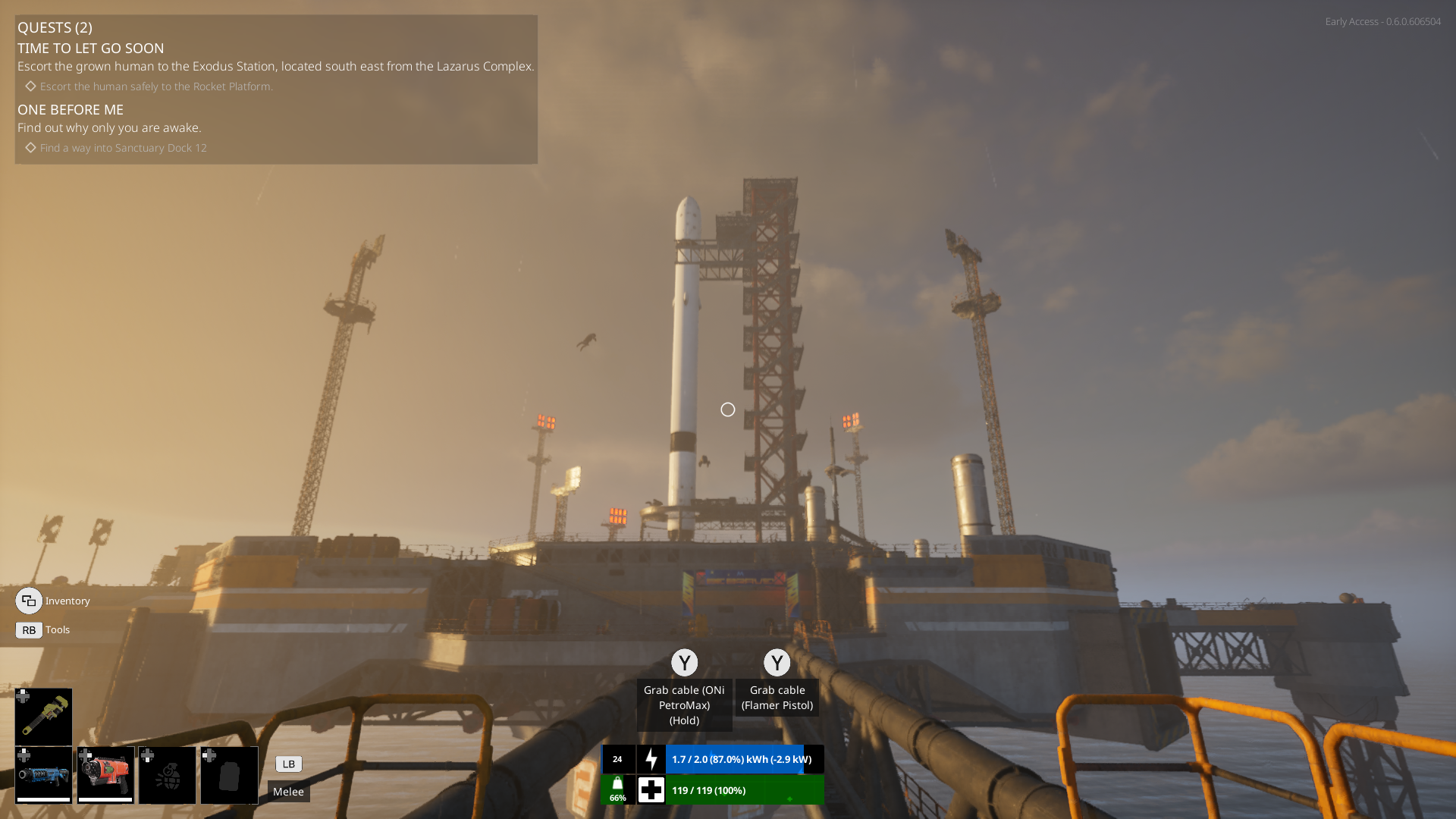
Guess what? You can do that painlessly with BTRFS. Let’s say that you bought an early access game from Steam and now you realize that the newest update broke everything. Before updating the game, you can easily create a snapshot WITHOUT duplicating files. Meaning, the snapshot is just references to the data tied to your storage drive rather than copying the same files to new blocks.
What I mean is that I make a snapshot, and after that I let Steam update the game. At that point in time, if I find out that the game broke, I can easily just copy and paste back into the same folder Steam updated and revert all the changes. The best part about this process is that it is incredibly cheap without any concerns about storage usage.